
“But I got it off YouTube.”
- Sometimes they use fear: “Your bank account has been compromised.”
- Sometimes they use urgency: “Your package cannot be delivered.”
- Sometimes they use curiosity: “You won’t believe what has just been discovered.”
- Sometimes they use authority: “This is the IRS.”
- Sometimes, they use something we want to hear because it matches what we already believe.
Then, the very next morning, I received another example. This one looked like it was about an Amazon purchase. The message said something I bought was no longer safe and offered a refund if I clicked the link. I didn’t click it. Instead, I logged into my Amazon account and checked my recent orders. There were only two, and neither matched the order number in the message.
- Phishing means fake messages that try to get your passwords or personal information.
- Smishing is phishing by text message.
- Impersonation scams are when criminals pretend to be companies, banks, or government agencies.
- Malware is harmful software that can steal information, spy on you, or damage your computer.
Technology changes, but the main strategy stays the same: get us to react before we think.
- If Amazon supposedly contacts you about an order, don’t follow the link in the message. Open the Amazon app yourself.
- If your bank supposedly detects suspicious activity, don’t call the telephone number in the message. Use the number printed on your bank card or go directly to the bank’s official website.
- If you receive an unexpected package notification, check your actual orders or tracking information independently.
- If someone says you must act immediately, become more cautious, not less.
- If you see something on YouTube or another familiar site, remember that the platform you found it on and the website a link takes you to can be completely different.
Don’t let the message decide where you go. Go to the trusted source on your own.
- We can slow down.
- We can check.
- We can ask questions.
- We can make sure our virus protection software is up to date.
- We can make sure we have individual and strong passwords for each site.
- We can turn on two-factor authentication
- We can turn on device encryption in your system settings.
- We can remind each other that there’s nothing foolish about being careful with an unexpected message.
Thank you for reading this blog post. If you have any questions or comments, please leave them in the Comments section below.
Copyright © 2019. I Don’t Know All The Answers, Nikki Mastro.
All of my photographs and documents are copyrighted.
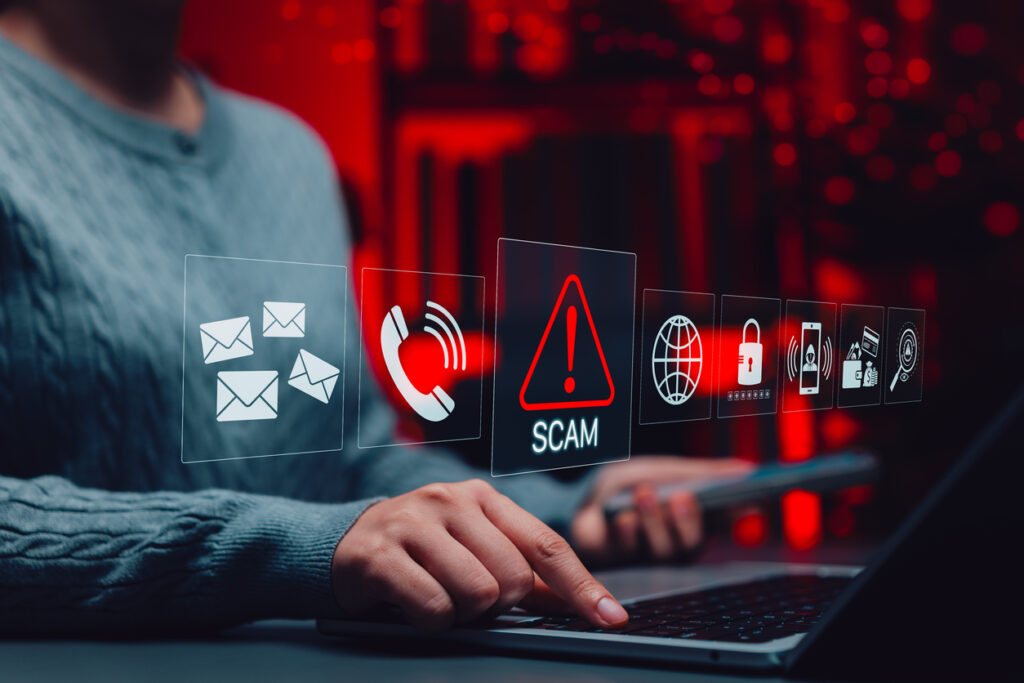
The main photo included in this blog post is from the iStock.com library.
No part of this website, including text, photographs, and documents, may be reproduced, stored in a retrieval system, or transmitted in any form or by any means without written permission from the copyright holder. All unauthorized use is strictly prohibited. If you choose to copy or share any information from my site, you must provide a link to the source. I appreciate your cooperation.
For further information concerning “I Don’t Know All The Answers.”
– Website and Blog: https://www.idontknowalltheanswers.com
– Facebook: https://www.facebook.com/Nikki.L.Mastro/
– Instagram: https://www.instagram.com/i_dont_know_all_the_answers/
– LinkedIn: https://www.linkedin.com/in/nikki-mastro-05455a3a/
– YouTube Channel: https://www.youtube.com/@idontknowalltheanswers1954